Create Your Account and Sign In
Sign up with email or social login, then return to your reports from any browser.
You need an account to generate a free report or a full report. Sign up with email, or a supported social login.
In this article we will walk through creating an account, signing in later, and what to do if you cannot get in.
Before We Begin
- Use the email you want associated with the reports.
- Previso is offered only in the United States. Signup and the free report are not available from other locations.
- If you already have an account, go to Sign in instead.
Create an Account
Here's how:
- Go to Sign up.
- Enter your email, or choose a supported social login.
- Agree to the Terms. Then, complete sign-up.
You will land in the dashboard, ready to generate a report.
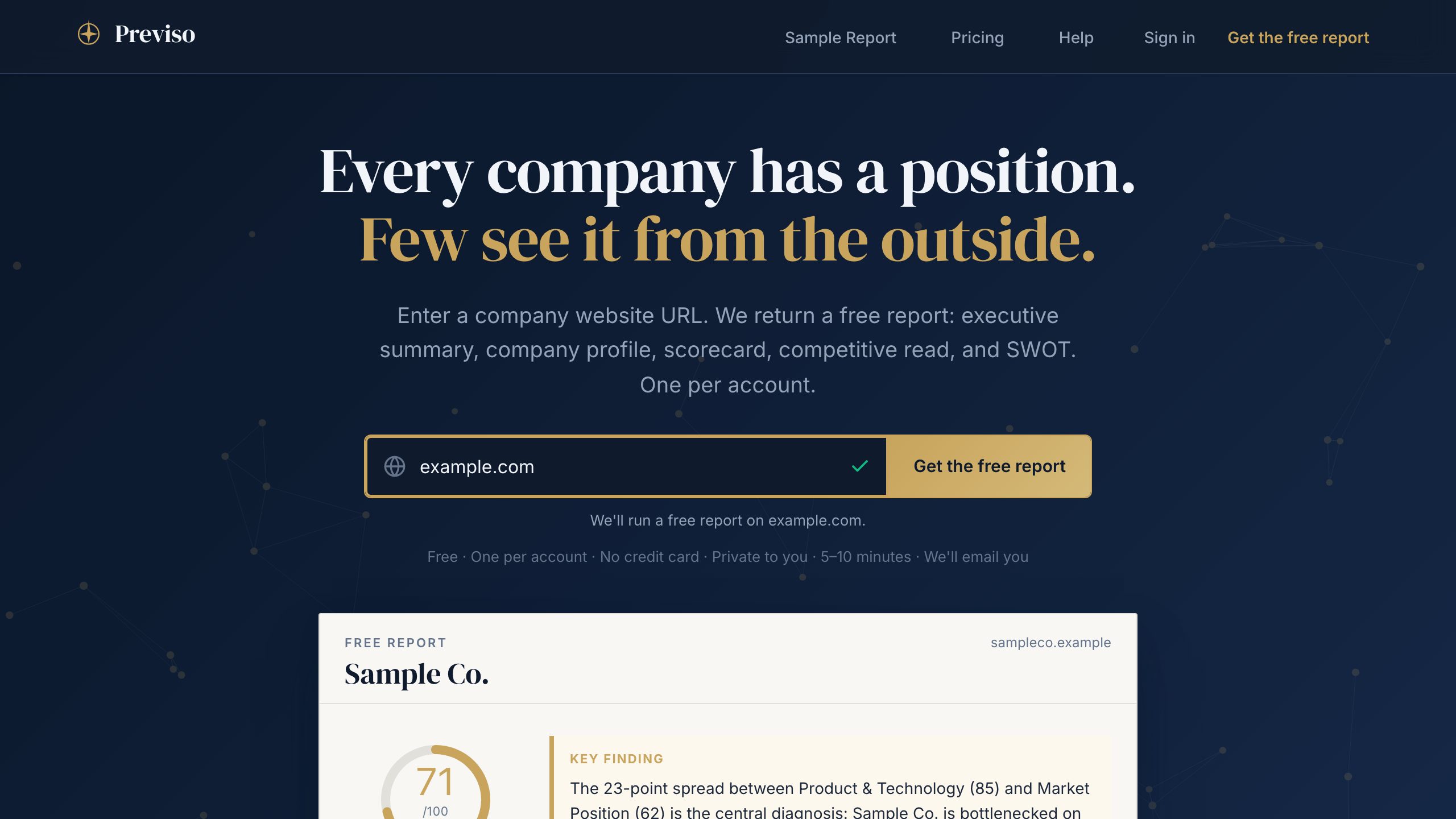
From the homepage you can also paste a URL first. If you are not signed in, we will take you through sign-up and then start the free report.
Sign In Later
Go to Sign in from any device. Your reports stay on the account that generated them.
If You Cannot Get In
- Use Forgot password on the Sign in screen.
- Confirm you are using the same email you signed up with.
- If you used a social login originally, sign in the same way.
May We Suggest
We suggest the following help articles.