Generate Your First Free Report
Paste a public company URL, wait a few minutes, and open the free report.
A free report is the fastest way to see how Previso reads a company from the outside.
In this article we will walk through running your first free report and what you will see when it finishes.
Before We Begin
This article assumes that:
- You have created an account
- You are in the United States. Previso does not run free or paid reports from other locations.
- You have not already used your one free report
- You have a public company website. Government and military sites (
.gov,.mil) are not eligible.
Run the Free Report
Here's how:
- Paste the URL on the homepage, or go to New Report in the dashboard.
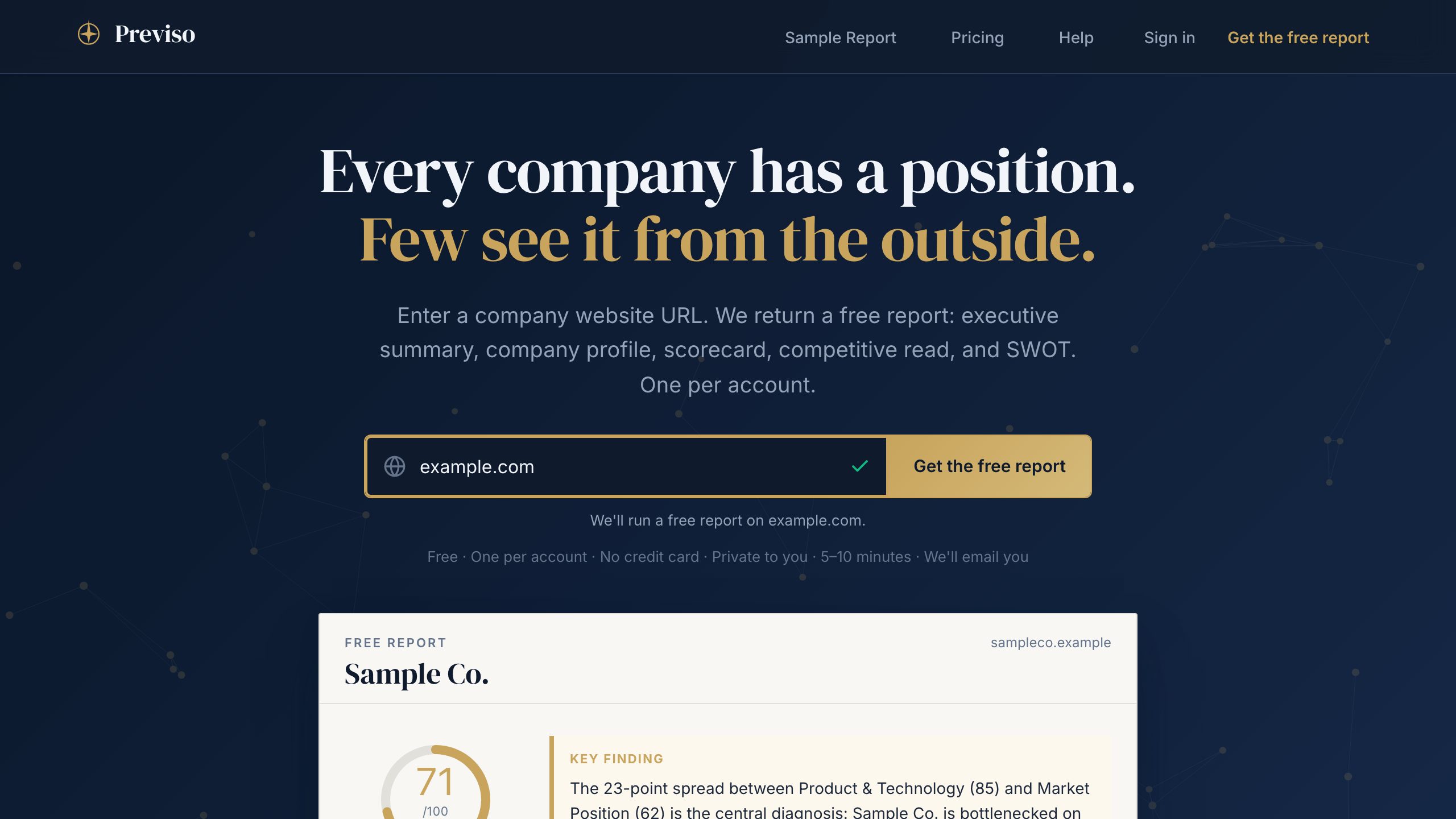
- Create an account and agree to the Terms if you are not already signed in. Then, generate the free report.
- (Optional) Add optional company data. You can skip this.
- Submit. Progress is displayed in the dashboard.
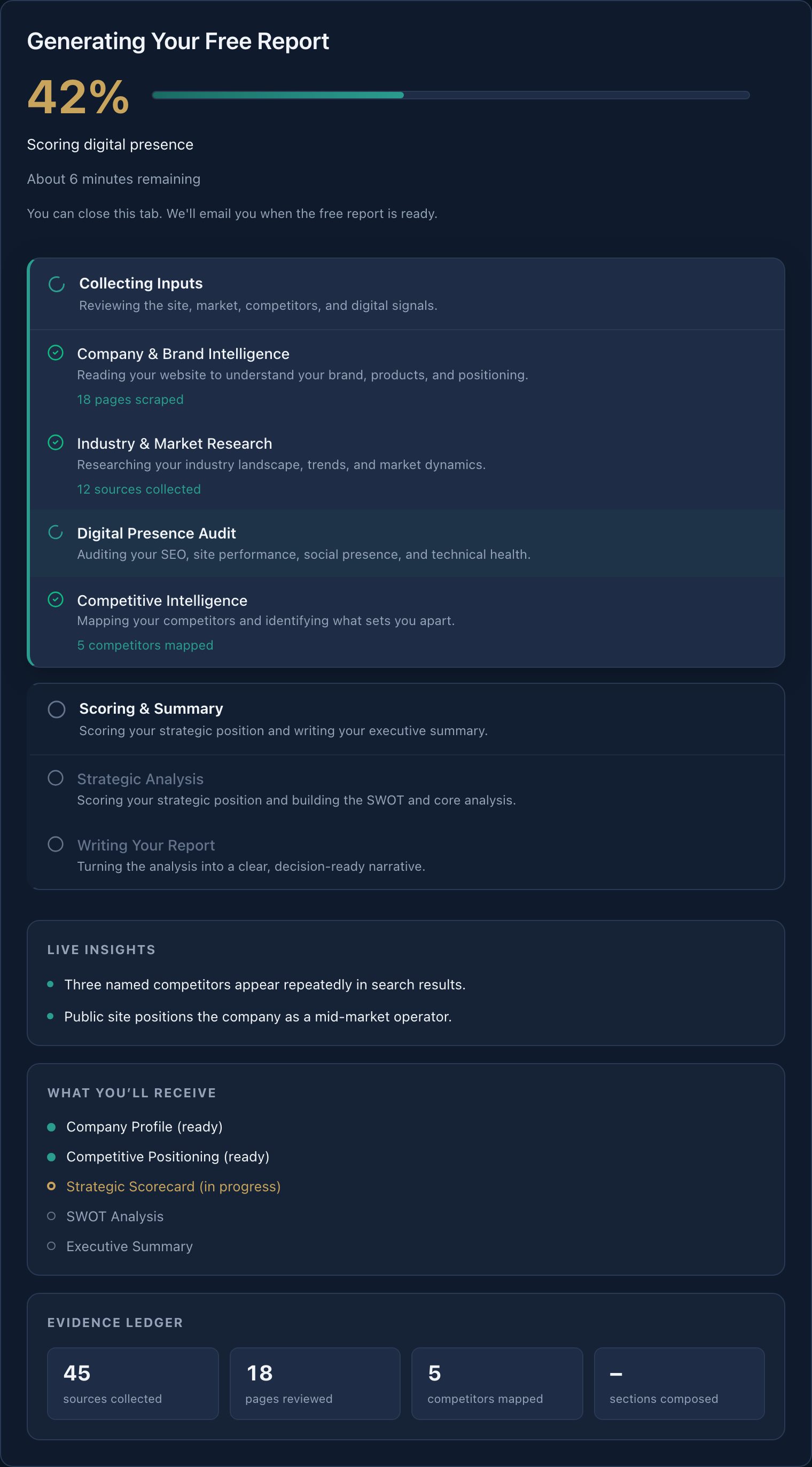
Most free reports finish in 5–10 minutes. Complex sites can take up to 15. We will email you at the address on your account when it is ready.
The free report is generated and opens from your dashboard when it completes.
What You Will See
The free report includes:
- Executive summary
- Company profile
- Strategic scorecard
- Competitive read
- SWOT
Locked sections preview the rest of the brief. Unlock when you want the plan, PDF, and War Room.
May We Suggest
We suggest the following help articles.