Ask Questions in War Room
Interrogate a full report from its own evidence. If the data is thin, War Room says so.
War Room is the Q&A panel beside a full report. Ask why a score landed, the case against the recommended path, or the weakest evidence in the brief.
Answers are grounded in this report's research and cite sources. If the data does not support an answer, War Room says so instead of guessing. On a full report you own, Talk is spoken War Room. Same evidence. Minutes are separate from typed questions.
In this article we will cover how to open War Room, what to ask, and what free reports show.
Open War Room
On a large screen, War Room sits as a right rail. On smaller screens it is a drawer. The sample report shows the same panel with scripted Sample Co. answers, not a live model.
Here's how:
- Open a completed full report.
- Click War Room in the report action bar, or press
/when you are not typing in a field.
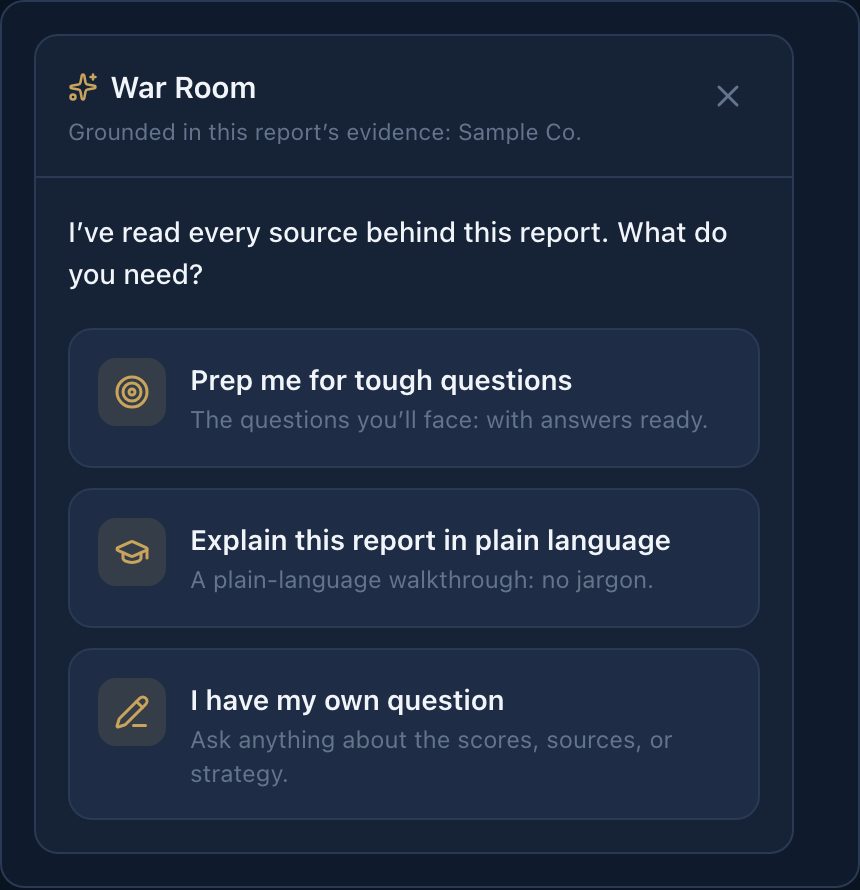
War Room is open and ready for a question.
What to Ask
- Why did this dimension score here?
- What would falsify the recommended strategy?
- Which citations are doing the most work?
- What did we not see in the public data?
On first open, War Room offers three doors: prep for tough questions, a plain-language walkthrough, or your own question. Prep generates an Opening Brief: three questions your board, client, investment committee, or stakeholders (inferred from this report) are most likely to ask. Tap a question to get a talking point you can say in the room.
How should I answer?
The voice picker (How should I answer?) changes the seat, not the audience:
- Challenger (default): pressure-tests the evidence and preps you for hard questions.
- Translator: turns findings into talking points for an audience you name.
- Teacher: explains in plain language and defines terms as it goes.
- Mentor: weighs the choice the way a veteran operator would. Options, not directives.
Audience (your board, your client, your investment committee, or your stakeholders) is inferred from the report context. It is not a dropdown.
Every answer is grounded in this report's research. If the data does not support a claim, War Room says so in one sentence, then the bound, then one next step.
Free reports
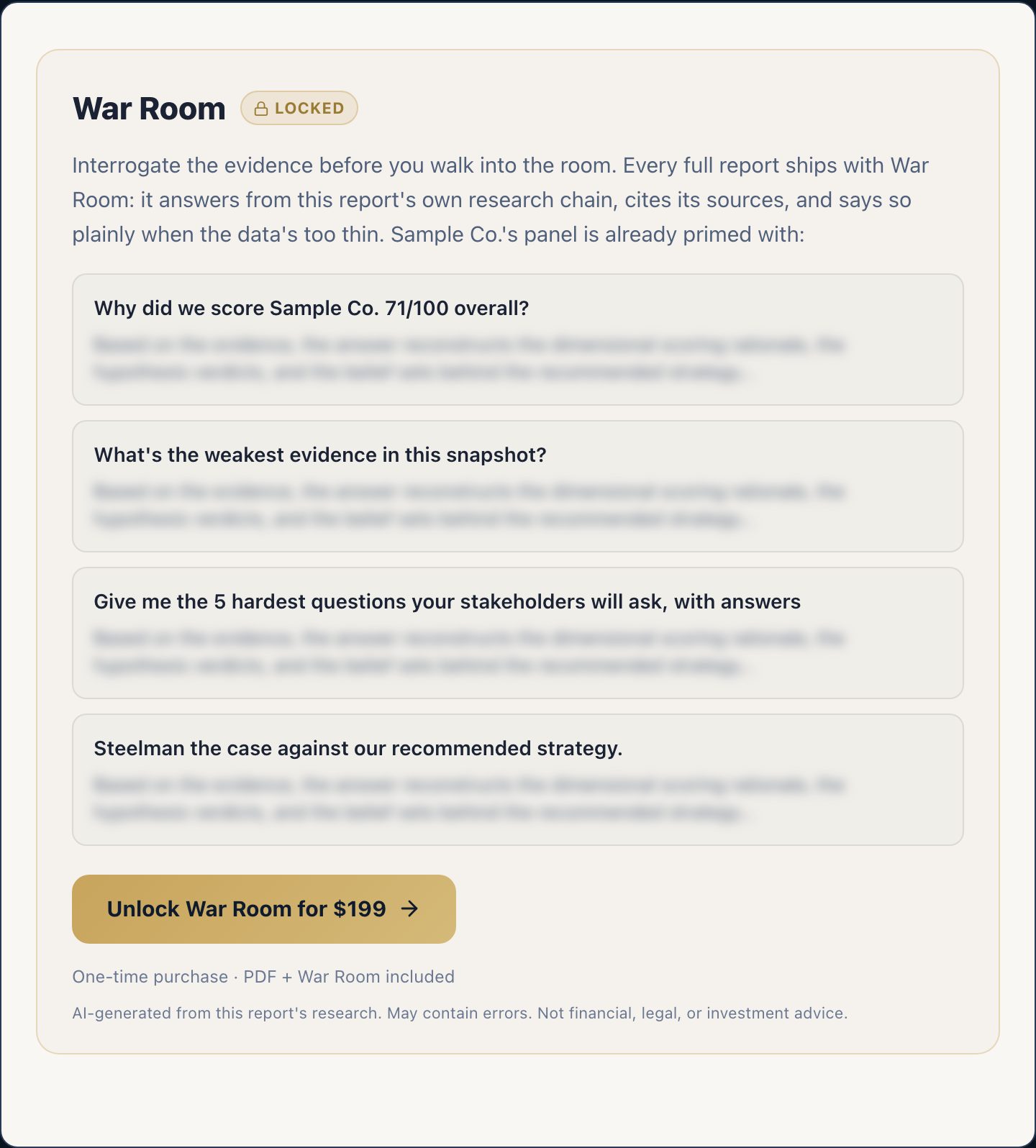
Free reports show a locked teaser of War Room questions about that free report. Unlock the report to get live answers.
How many questions
Each full report includes a generous allotment (about 40 questions). That is enough for a working session and a return visit. Clearing the conversation does not reset the count. While Strategy Watch is active, the per-brief cap is lifted. A daily burst cap still applies so the service stays responsive.
May We Suggest
We suggest the following help articles.