Unlock a Free Report
Turn a free report into a full brief by spending a credit or paying $199.
Unlock keeps the same report. We set access on that free report and re-run the full pipeline. You do not start a second URL.
In this article we will walk through unlocking, what stays the same, and what changes.
Before We Begin
- You have a completed free report.
- You have a credit, or you are ready to pay $199.
Unlock the Free Report
Here's how:
- Open the completed free report.
- Choose Unlock on a locked section, in War Room's teaser, or from the dashboard card.
- If you have a credit, we spend one and start the full generation immediately.
- If you have no credits, Stripe Checkout opens for the $199 Strategic Report, tied to this report.
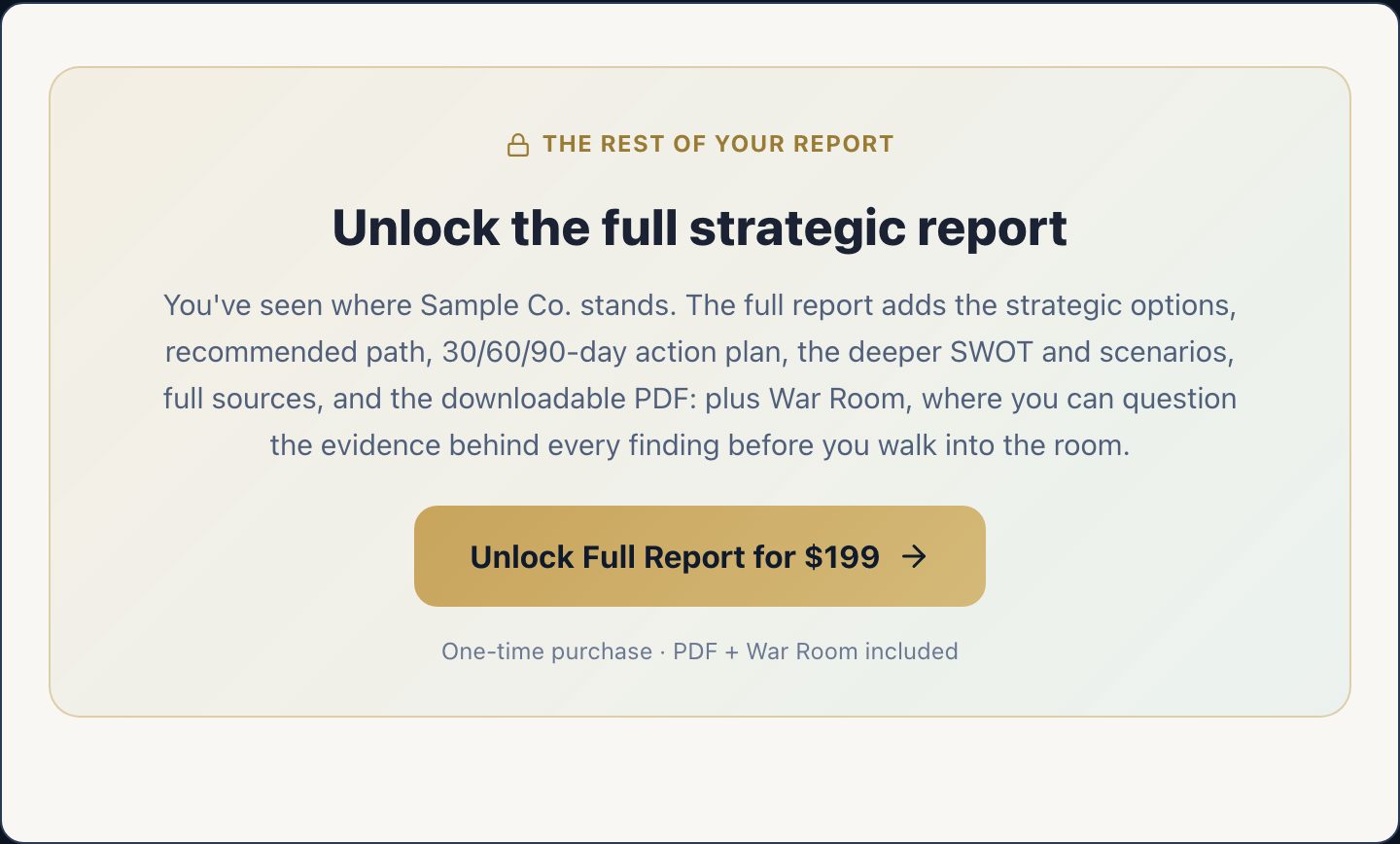
You will return to the same report URL when checkout or the credit debit succeeds. Progress will show the full pipeline (deeper public-page research, analysis, PDF).
What Stays the Same
- The report id and URL you already have
- The fact that it started as a free report (that origin is permanent)
- Your optional context from the first run
What Changes
- Locked sections generate for real
- PDF access turns on
- War Room becomes a live panel
- Talk becomes available for the owner
- Sharing can use the paid HTML export
May We Suggest
We suggest the following help articles.