Explore the Sample Report
Open the public Sample Co. brief to see the layout before you run a URL.
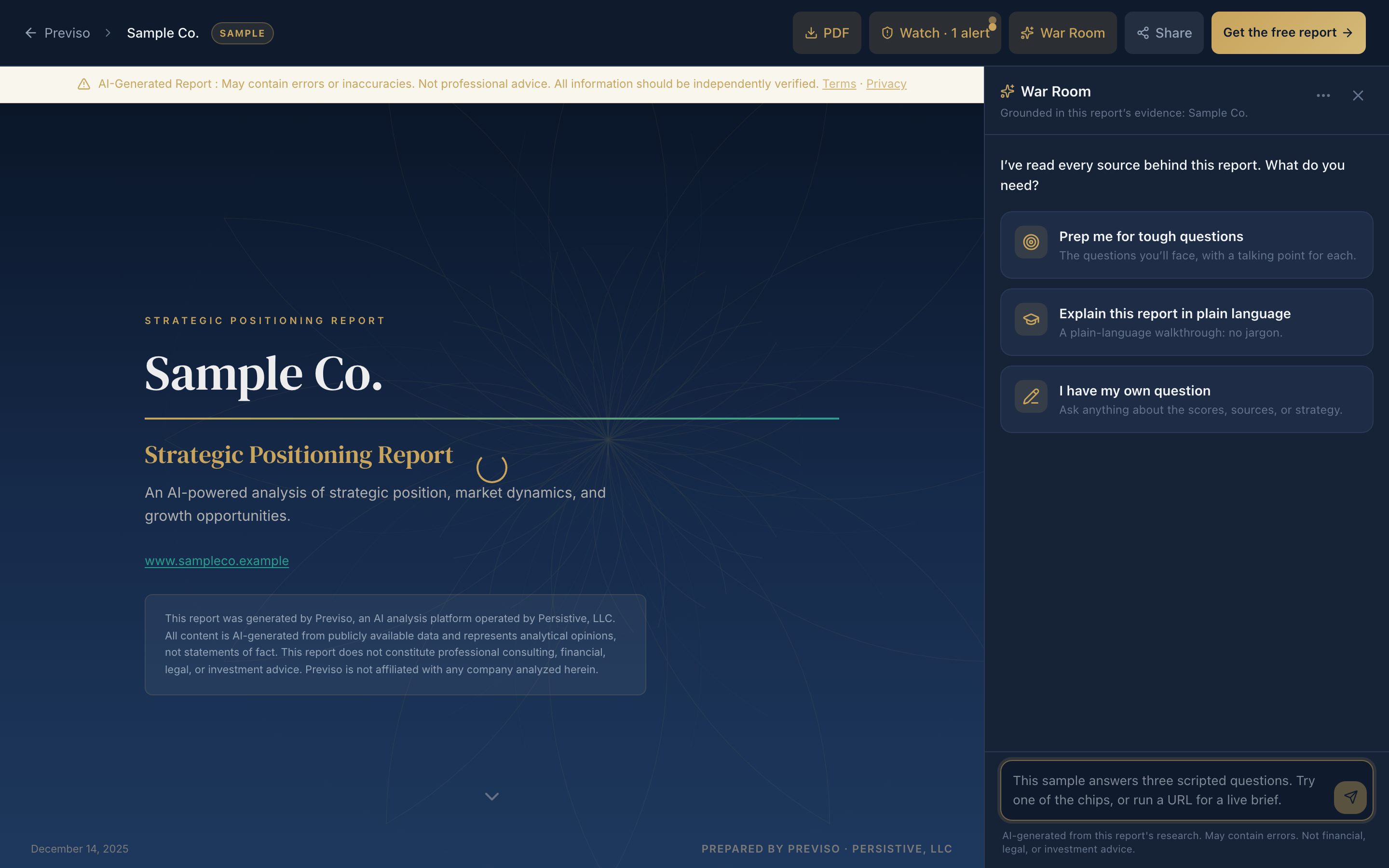
The sample report is a full, ungated brief for a fictitious company, Sample Co. (sampleco.example). The action bar shows War Room, Talk, Strategy Watch, Share, PDF, and Markdown. Talk on the sample is a scripted preview with no microphone. Use it to judge layout and chrome without creating an account.
In this article we will show you what to look at and why the sample is fictional on purpose.
Why the Sample Is Fictional
The sample is obviously made up on purpose. We do not attach fabricated scores, SWOT, or competitor analysis to a real business.
What to Look At
- The scorecard, and how dimension scores carry confidence
- Charts, and the insight caption under each one
- How sources are cited in the Data Sources & Methodology appendix (same card layout as a paid report)
- War Room on the right: three scripted questions from this brief. It does not call the live model.
- Talk next to War Room: a scripted preview with no microphone. The brief on screen follows the exchange and highlights the scores Talk is speaking about. Live Talk is on a full report you own.
- Strategy Watch in the action bar: a subscription preview. Watch is not included with the $199 one-shot.
- Share, Download PDF, and Markdown: the same controls as a paid report. They do not create a live link or a file. Markdown on the sample is a preview of the paid takeaway for an AI assistant.
- A real free report still locks the paid sections until you unlock. The sample is the full paid layout.
When you are ready, generate a free report on a real public URL.
May We Suggest
We suggest the following help articles.